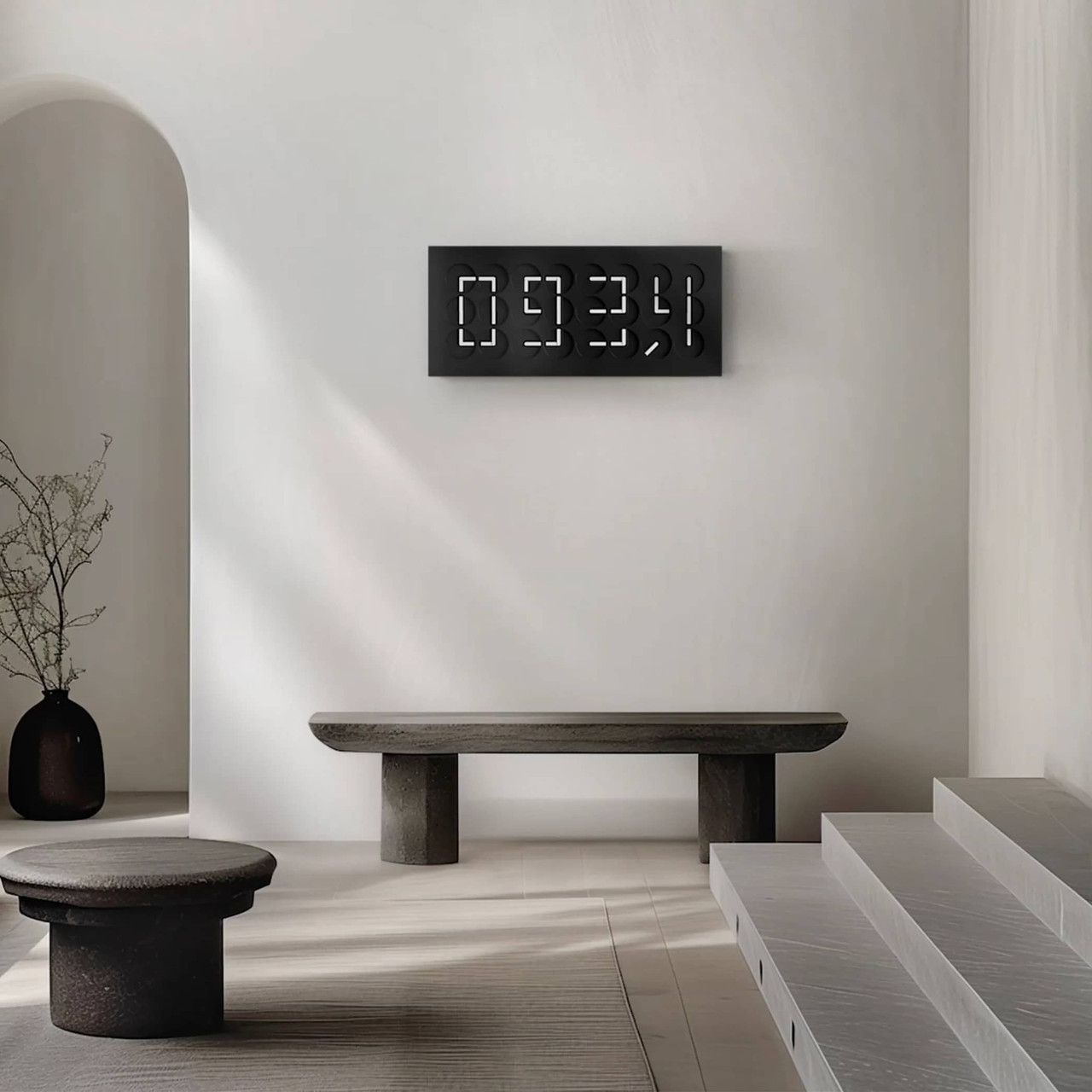




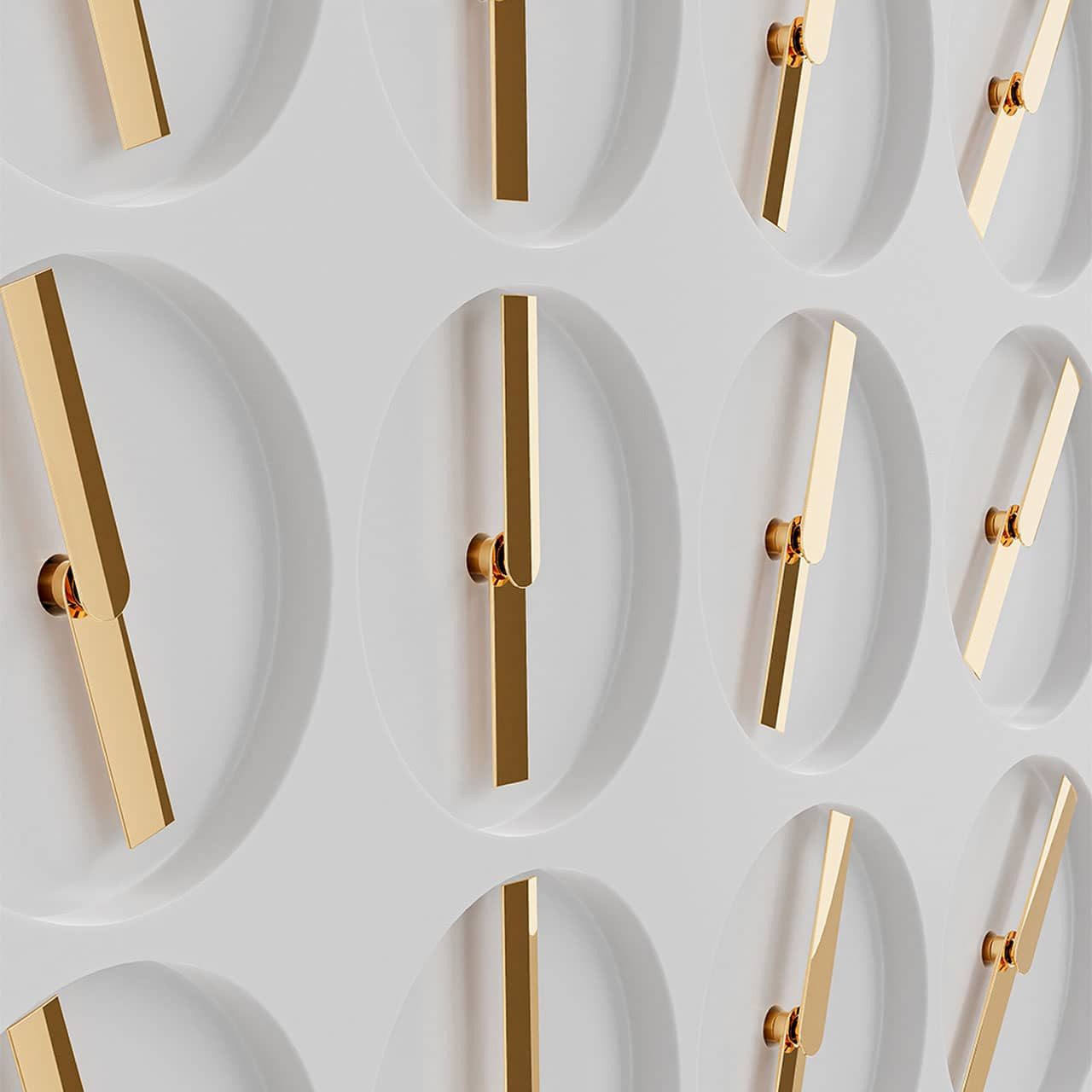






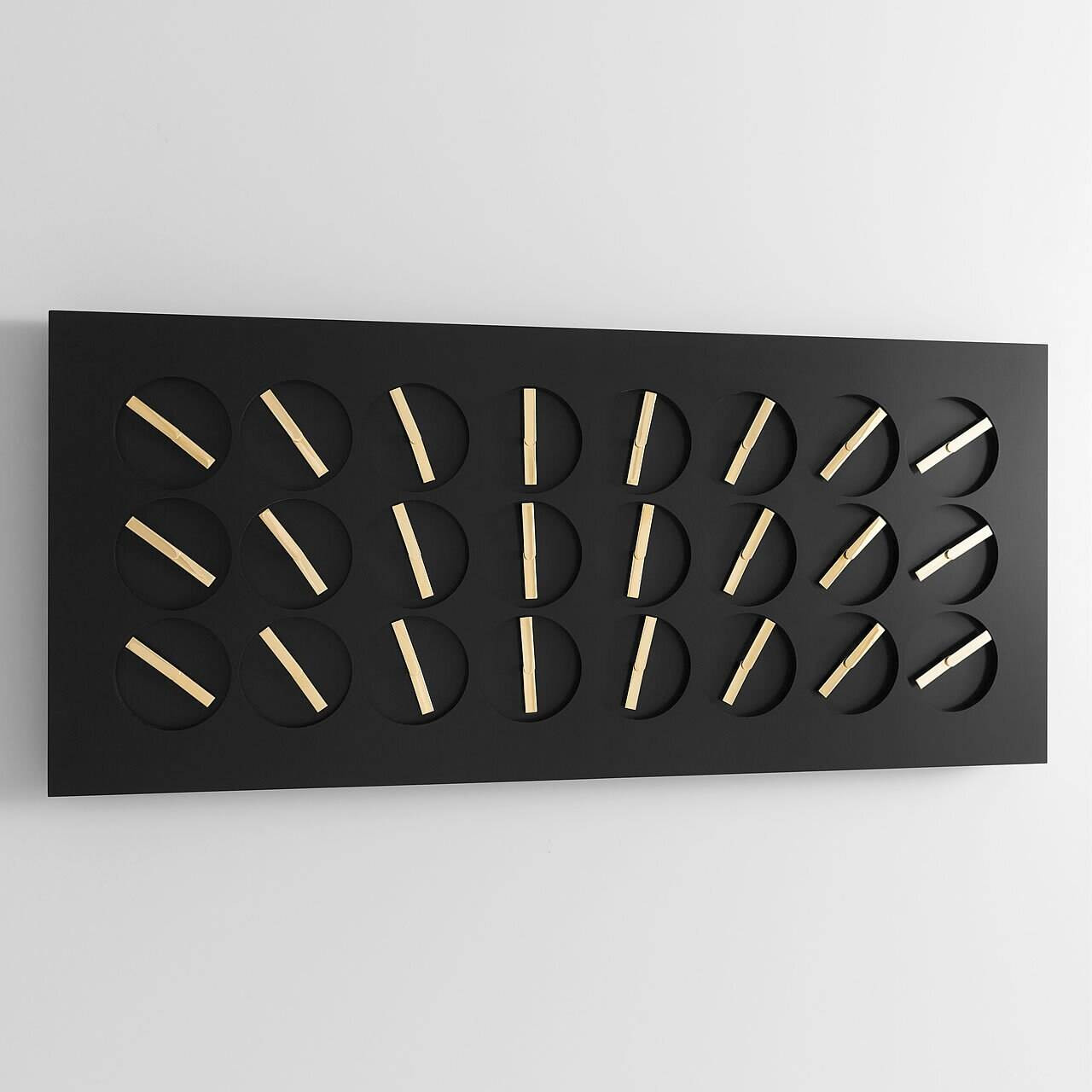


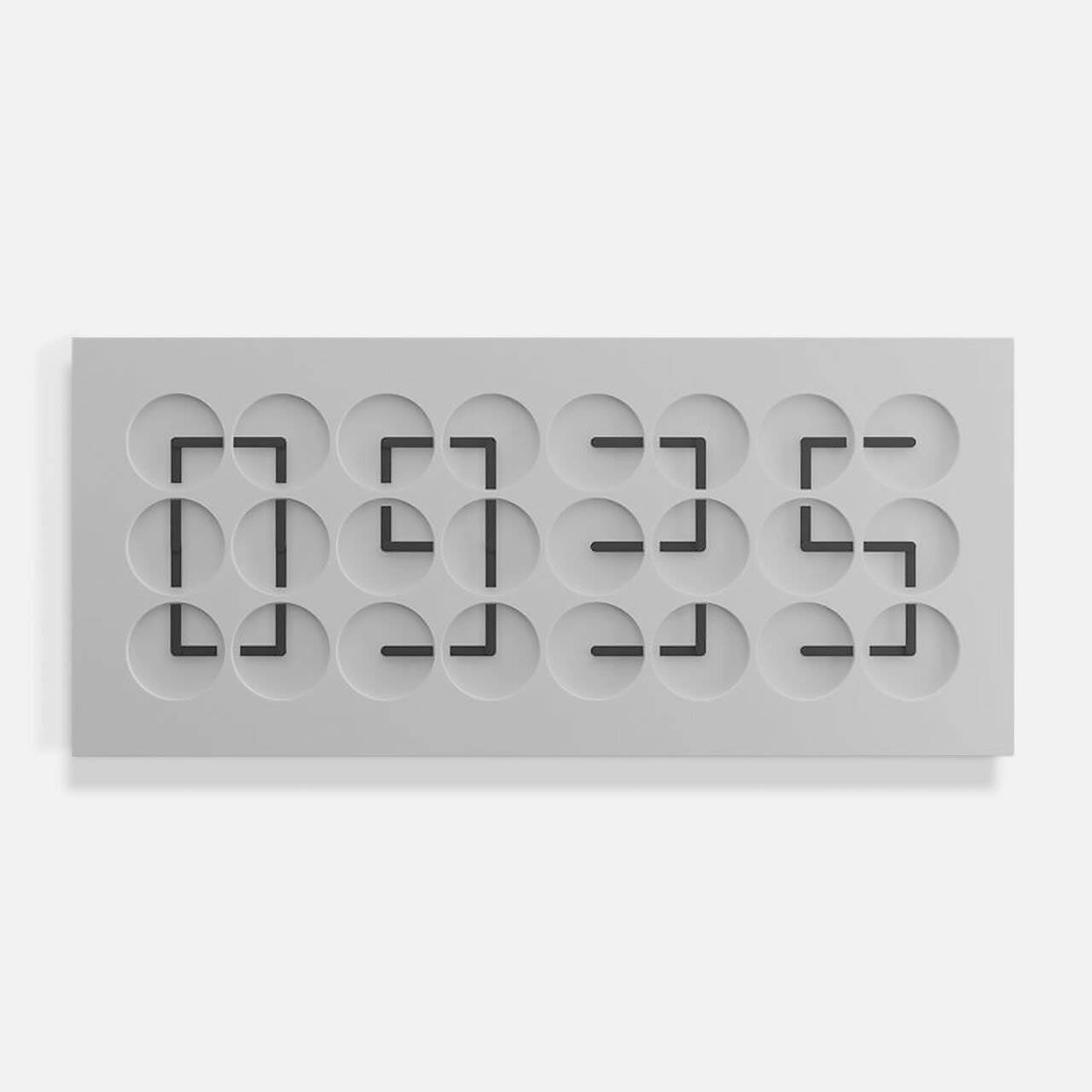


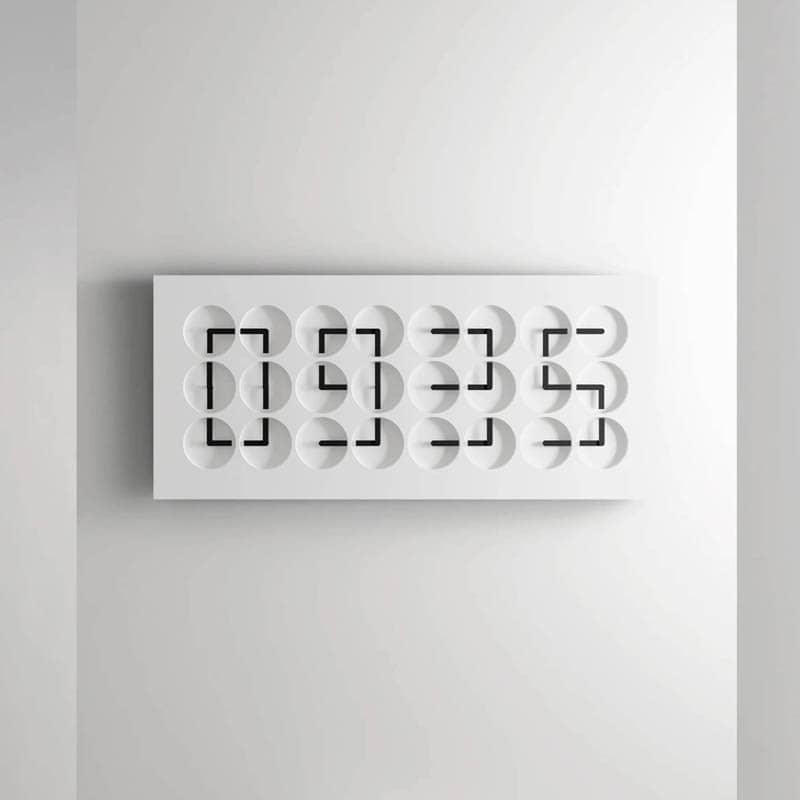
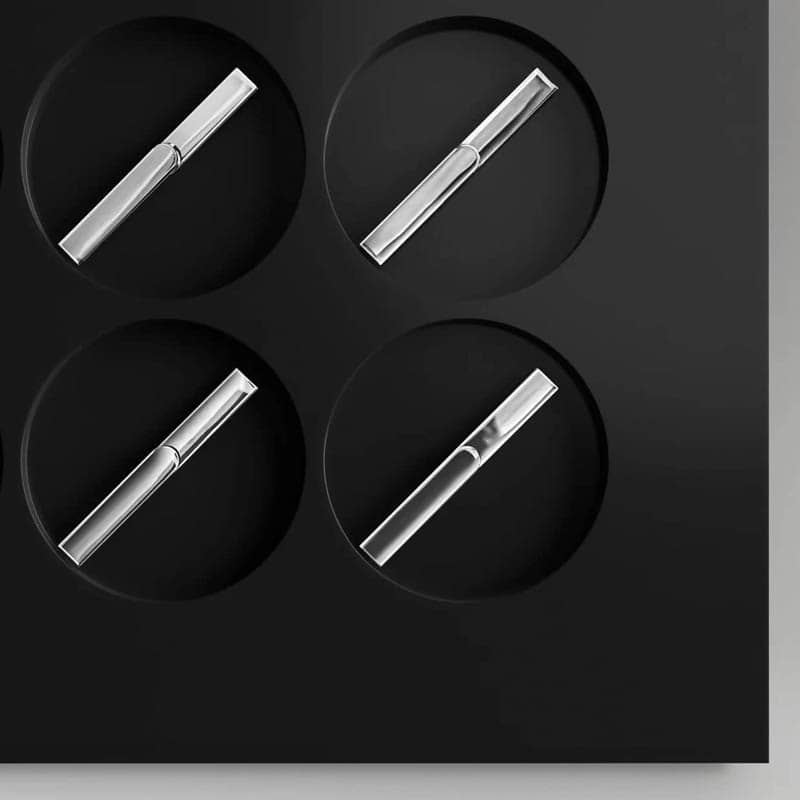
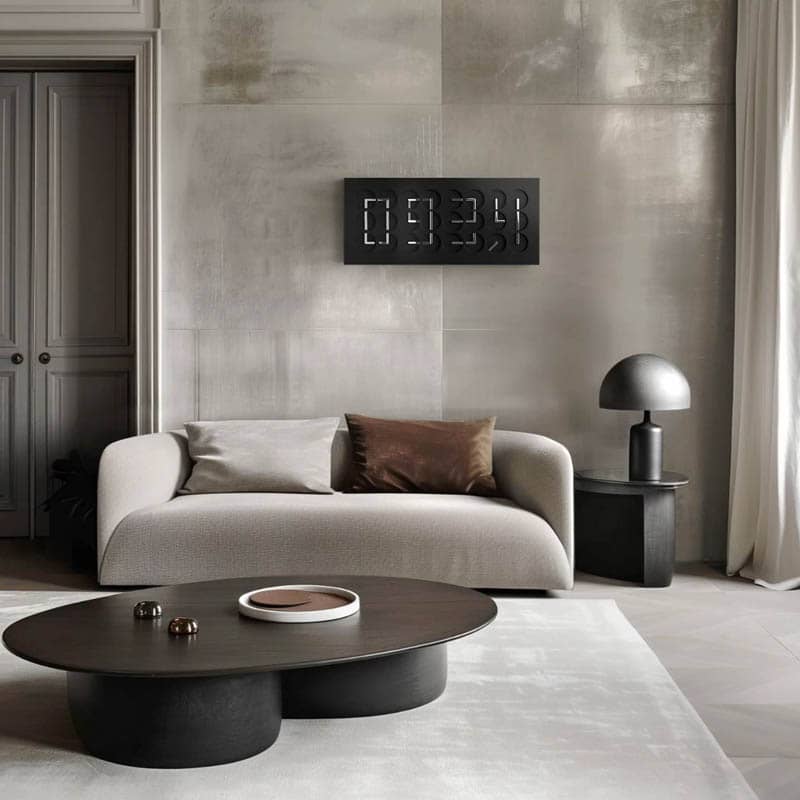
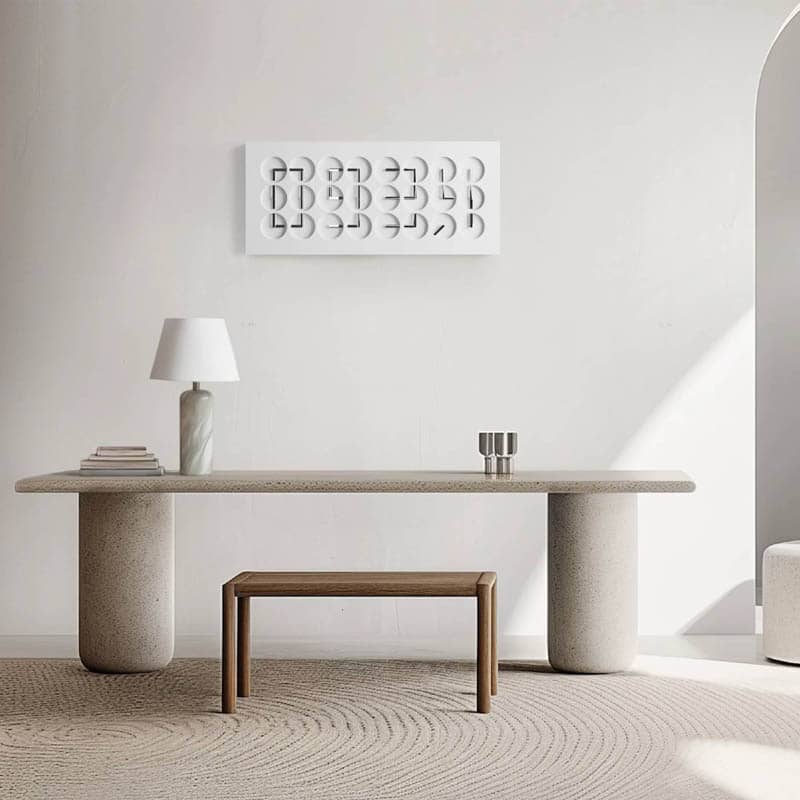

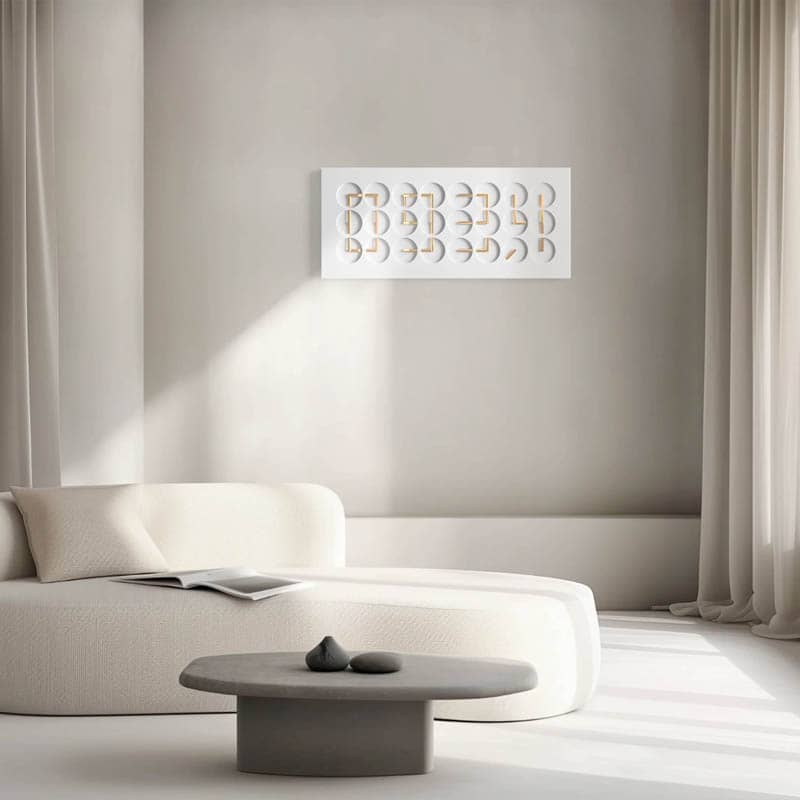
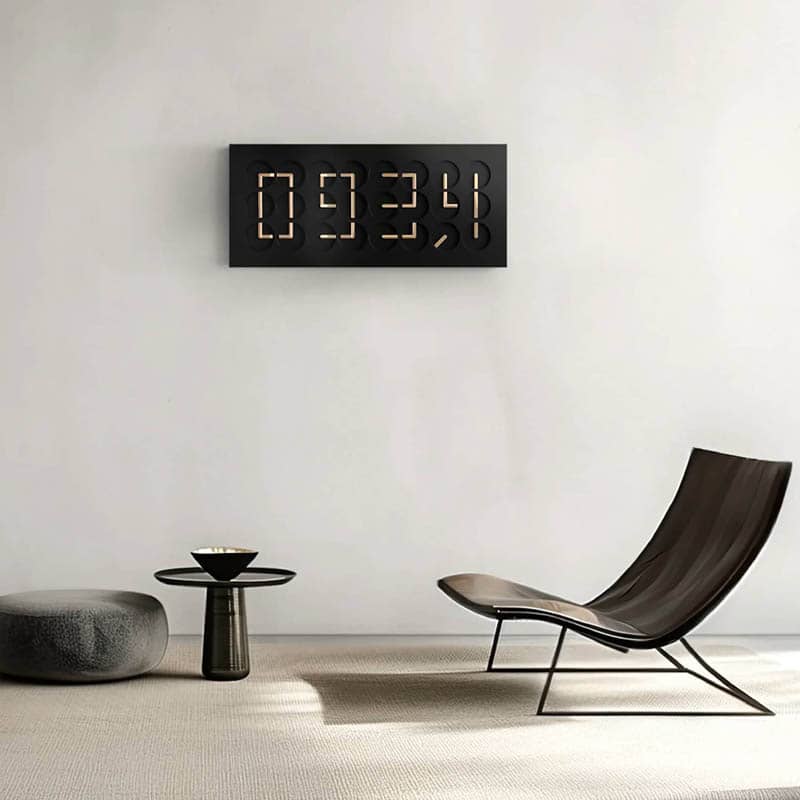
ClockClock 24 is twenty-four analog clocks that spin out of order, then, as each minute turns, swing their hands into alignment and spell the time as four digits. Humans since 1982 began the work in 2008 as a question about how time itself might be given a shape. Shown at the Saatchi Gallery in London in 2010 and reissued as ClockClock 24 to reach a broader market, it now sits in the permanent collections of the Vitra Design Museum, the Musée International d'Horlogerie, and Sweden's Nationalmuseum. Sixteen years in continuous production, every work still assembled in the studio's Stockholm workshop. About Humans since 1982 →
HOW IT WORKS
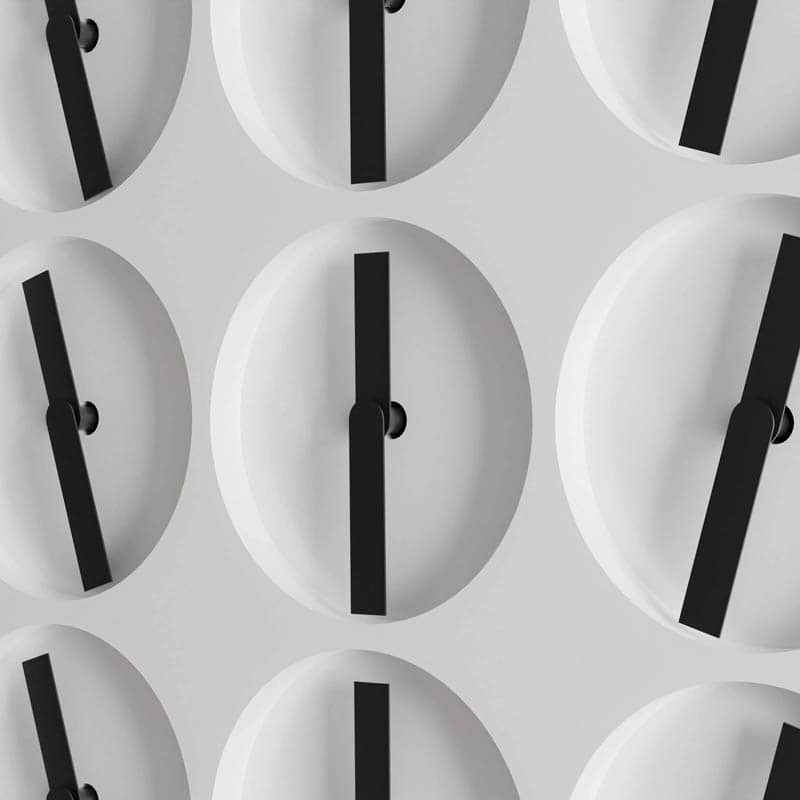
No single clock tells the time. Each hand is choreographed against the other forty-seven, and the twenty-four faces read as one display. Between minutes the hands drift, sweep, or hold still, depending on the mode you choose: a quiet setting that shows the digits and little else, a medium one with five calmer choreographies, and the studio's own favorite, which runs ten choreographies over ten minutes and loops.
CHOOSING YOURS
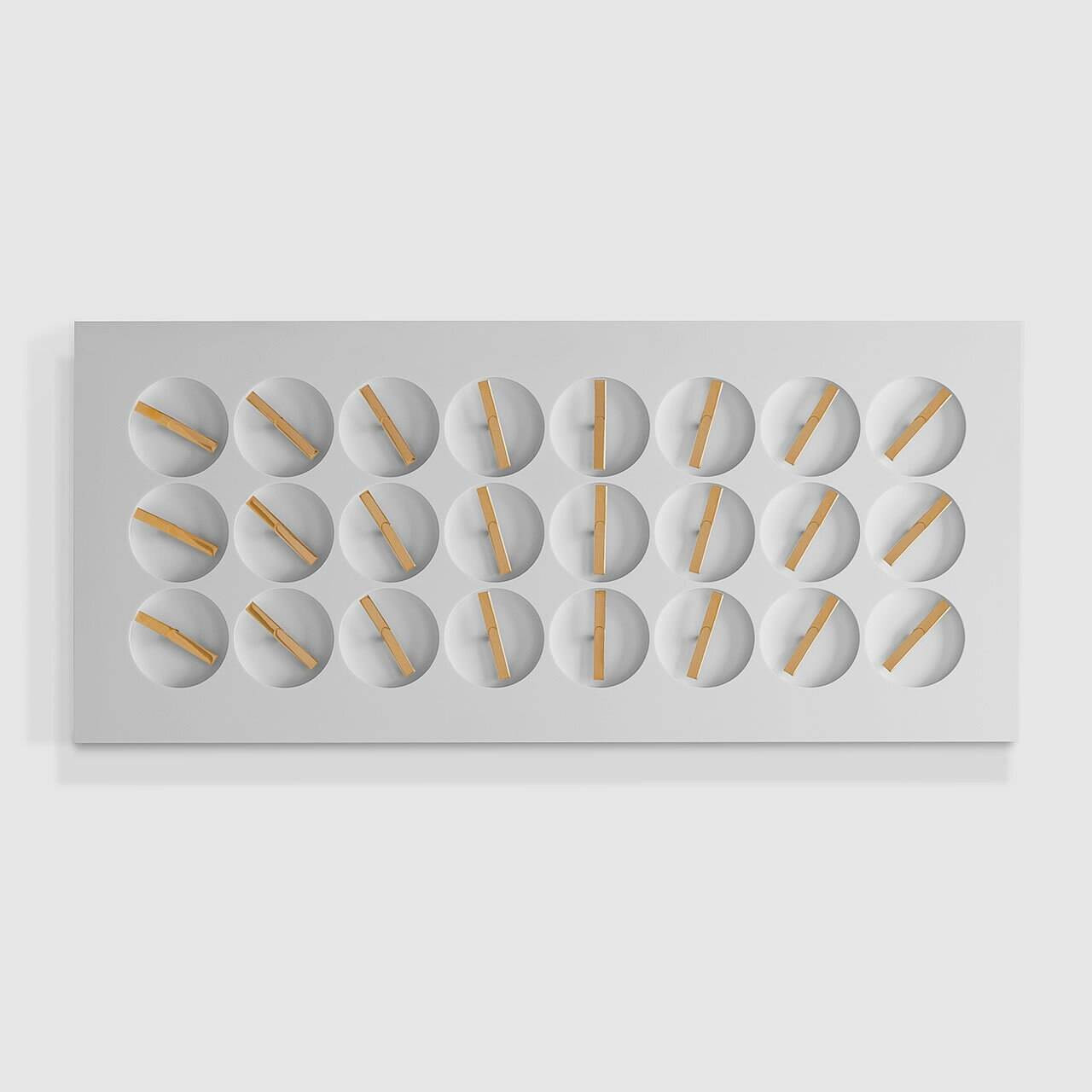
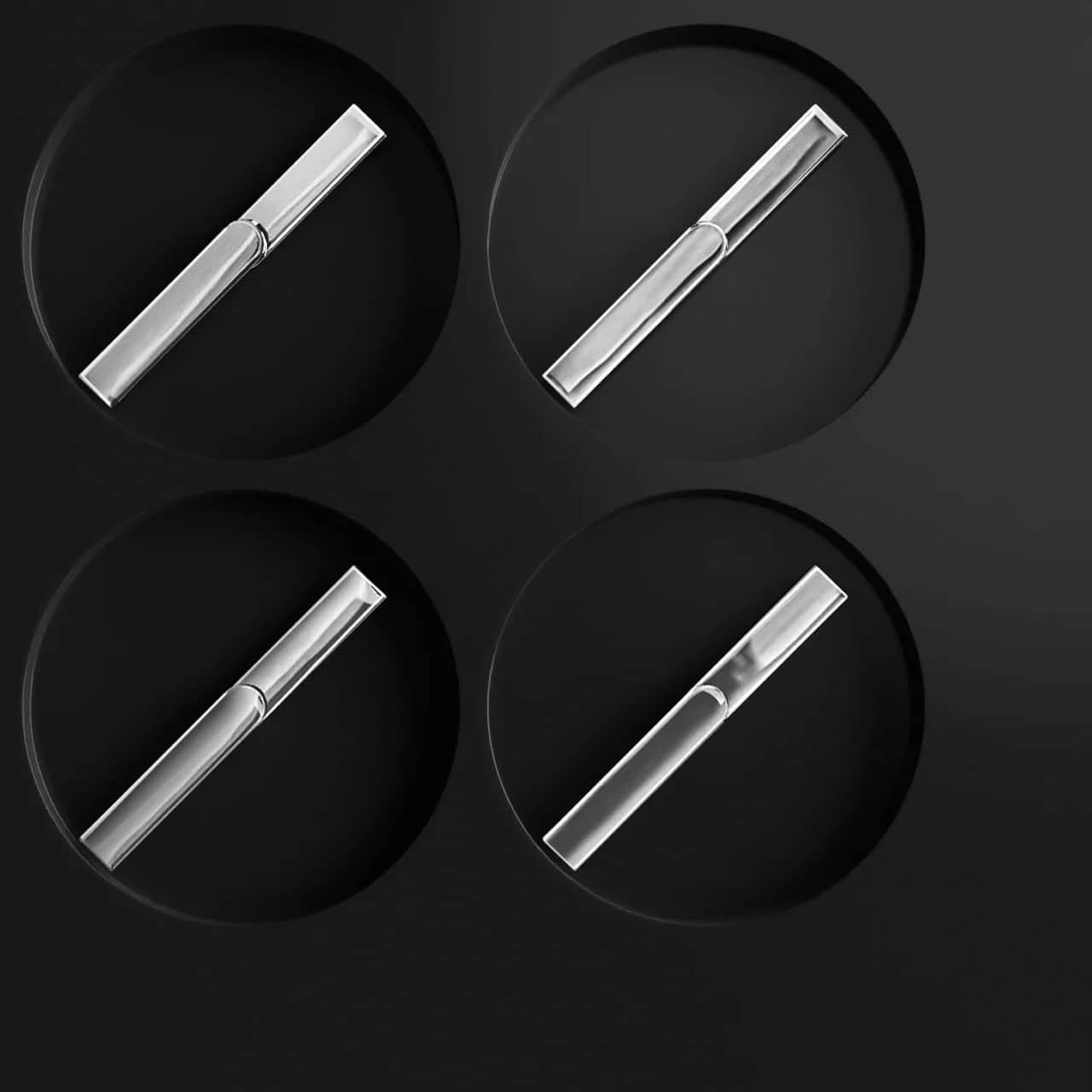
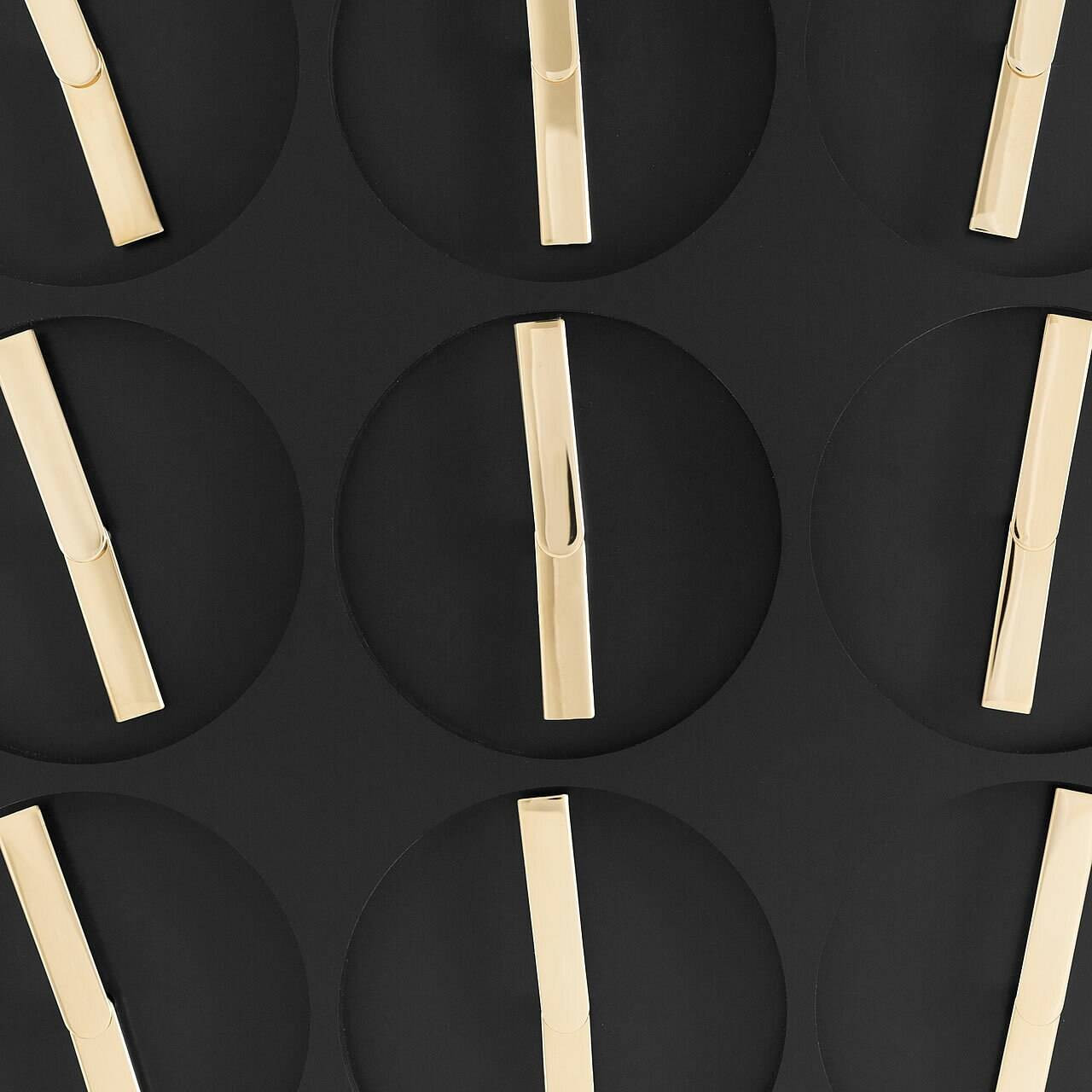
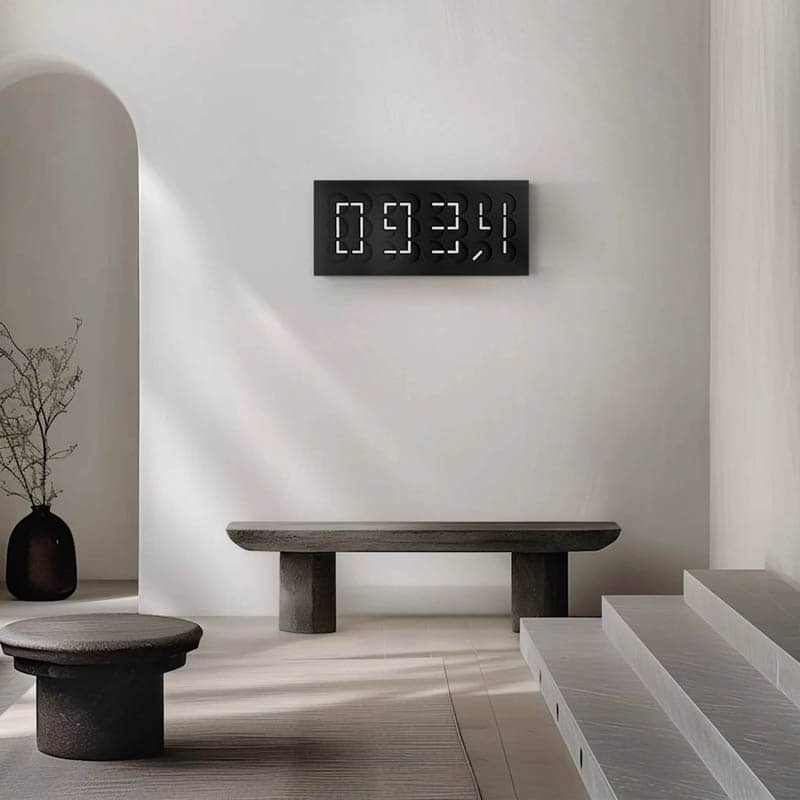
The three standard bodies, White, Grey, and Black, come with contrasting hands; a special edition in a new color appears occasionally. The four editions of 250 change the hands rather than the body: 22k gold-plated on white or black, sterling on white or black, and Noir, hands and body alike in black, which reads as moving texture rather than digits until the minute lands. If you're between two, especially White and Grey, we'll send Corian samples or photograph both together in the same light. For a larger piece, we can help you acquire an A million Times work from the studio.
DEALER'S NOTES
Of everything we sell, this is the series that most rewards a first encounter: a visitor catches the hands wandering, waits, and then sees the time arrive. The motors make a soft, steady sound we find soothing, close to a white noise, though we'd still recommend a living room, hallway, or office over a bedroom. Mounting is similar to hanging a television, and we're glad to talk through placement and cord concealment before the piece ships. We're the only retailer offering Grey and Noir online, and we're fond of both; among the metal-hand editions, Black with gold and White with sterling are the most popular. The White edition is nearing the end of its run and will likely sell out by early 2027. The work is designed so most repairs can be done in place. The most common issue we've seen is a dead wall adaptor, and we're happy to send a replacement.
Clock Forward has been an authorized US retailer of Humans since 1982 since 2018 and is their largest US-based retail partner. We import and inspect every work before it ships to you. ClockClock 24 is never discounted; a listing that is heavily marked down is a counterfeit or a scam. More on knock-offs and scams →
Download manufacturer manual
- ClockClock 24 Manual (pdf)
- ClockClock 24 Measurements (pdf)
Installation
Please consult the manufacturer manual for installation instructions.
- For wall-mounted, indoor use only. Do not use in high humidity spaces or in direct sunlight.
- Two persons are required to hang the artwork.
- Installer should be knowledgeable about hanging heavy works (40 lbs).
- Concealed wiring is possible with a recessed outlet. Always use the provided adapter and USB cable to ensure warranty coverage.
Starting the artwork
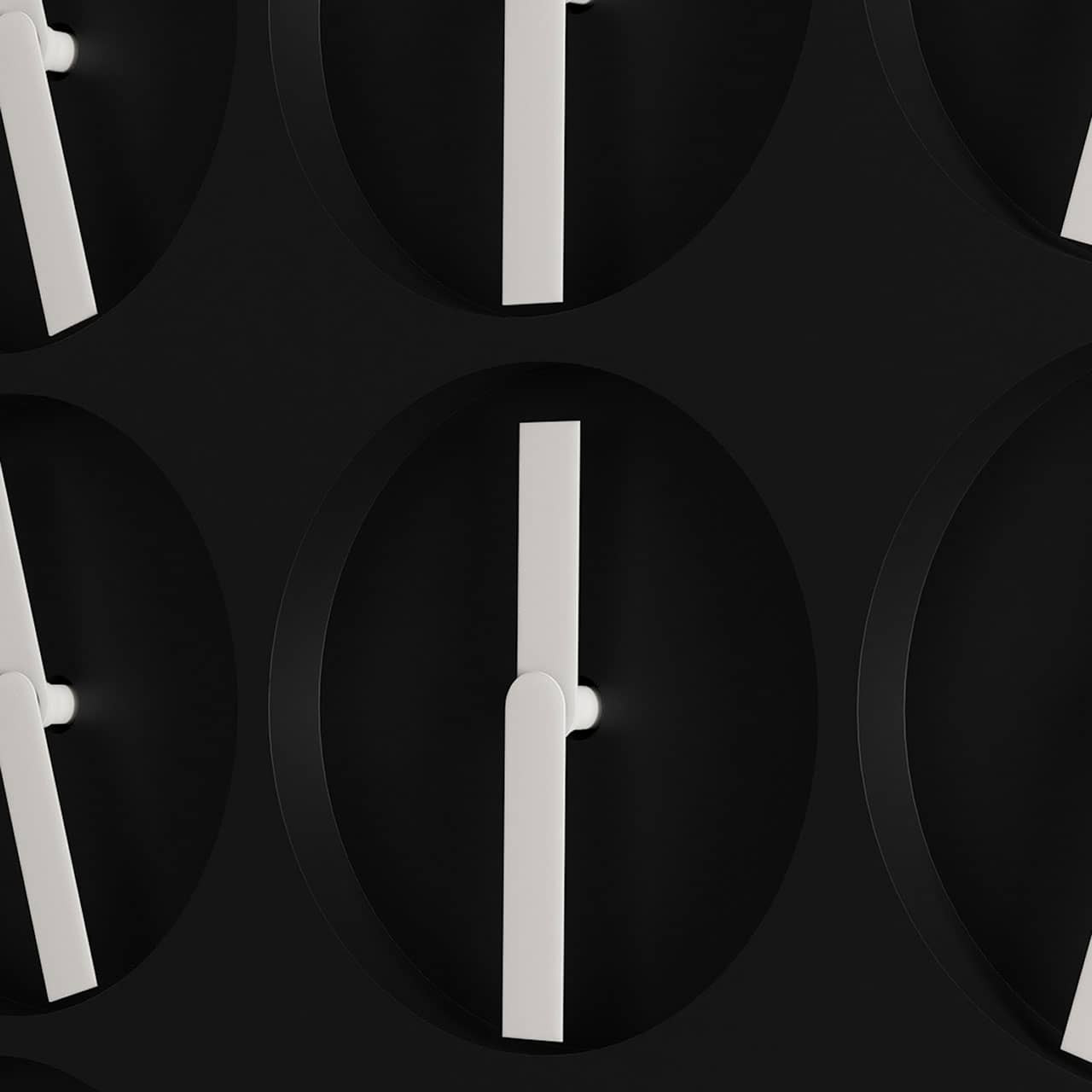
- Make sure the artwork is unplugged or turned off. Using the provided gloves, move all clock hands manually to position 'six' (pointing directly down).
- Plug the adapter into the wall socket.
- To start the artwork, gently press any of the three buttons on the back of the artwork. You will hear a beeping sound and the clock hands will start to move and the time will be set to 12:00.
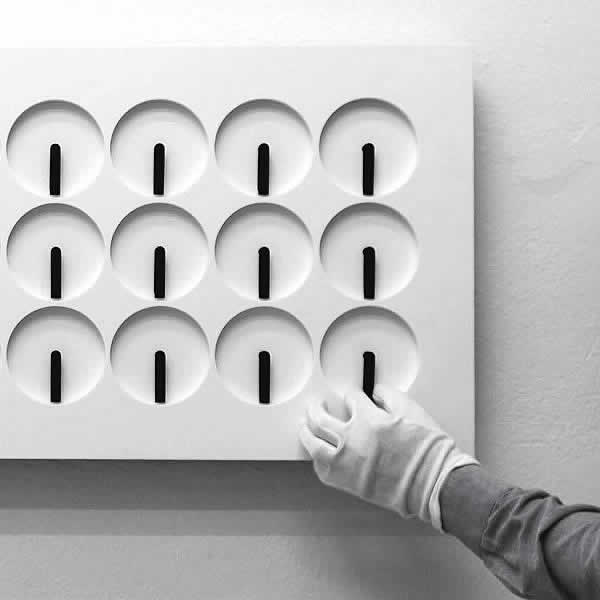
All clock hands should be in the 6 position (pointing down)
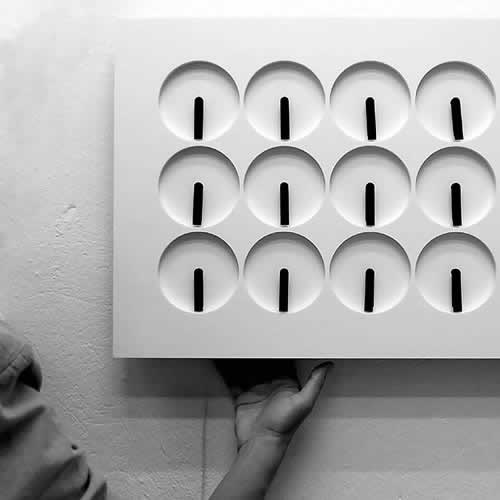
Facing the front, the buttons are located on the lower left.
Setting the mode
ClockClock 24 features 3 different choreographic modes in either 12- or 24-hour format (6 total modes).
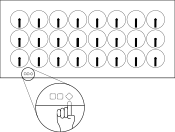
Pressing the Mode button cycles through each of the 6 modes.
- Mode 12:1 — 12-hour time format, 10 choreographies
- Mode 12:2 — 12-hour time format, 5 choreographies
- Mode 12:3 — 12-hour time format, only shows the time
- Mode 24:1 — 24-hour time format, 10 choreographies
- Mode 24:2 — 24-hour time format, 5 choreographies
- Mode 24:3 — 24-hour time format, only shows the time

Setting the time
Setting the time is simple with the two time-setting buttons on the back of the ClockClock 24 (the third button sets the mode). Time is displayed on a 12 or 24-hour cycle (adjusted using the Mode button).
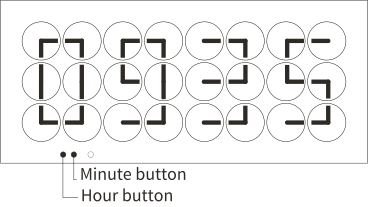
- Choose whether you wish to display time in either 12- or 24-hour format using the Mode button (see 'Setting the mode')
- Once you push the hour or minute button, the artwork will show the time.
- As long as the time is displayed on the artwork, you can adjust it.
- The clock hands will immediately start to move when pushing the hour or minute buttons.
- Push the hour button once to increase the time by an hour.
- Push the minute button once to increase the time by a minute.
Switching the artwork off
- Press and hold any of the three buttons until you hear 3 beeps; all clock hands will move to and remain in 'six' position.
- The artwork is now in sleep mode and is using a very small amount of power to remember the time.
- You also may enter this mode to re-align the hands. See 'Re-aligning the hands'.
Re-aligning the hands
If the hands get out of sync, you will need to re-align the hands.
- Always wear the cotton gloves when touching the artwork body and/or hands.
- Switch the artwork off (press and hold any button until you hear 3 beeps).
- Hands will move into position 'six'. Gently re-align any hands that are not facing down.
- Press any button to resume displaying the time.
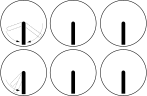
All hands should be pointing down in the 'six' position.
Cleaning
- ClockClock 24 should be cleaned at least once every six months to avoid dust-related buildup and issues in the electronics which may affect the warranty.
- Before cleaning the ClockClock 24 you should stop the artwork. To stop the artwork press any of the three buttons for a minimum of 15 seconds; all the hands will point down to 6. The ClockClock 24 artwork will remain stopped until you press any of the three buttons once to restart. The clock hands will turn back into their initial position in the last selected mode.
- Once the artwork is turned off, you can clean the surface of the artwork with a cloth lightly dampened in warm soapy water, ammonia-based household cleaner, or a dedicated countertop cleaner. Avoid using window cleaners as they can leave a waxy build-up that dulls the surface. Never spray liquids directly onto the artwork. Do not scrub or apply liquid to gold-plated hands.
- Wipe the surface of the artwork completely dry immediately after cleaning to prevent film build-up.
- Use a feather duster or a can of compressed air to remove the dust from the surface more frequently. If some hands were misaligned during the cleaning, you can re-align them as described in 'Re-aligning the clock hands'.
Moving the clock
Once the clock is switched off, remove the clock from the hanging plate, unplug the cable and place the clock on a soft surface.
Battery backup
ClockClock 24 has a built-in battery that keeps track of time in case of a power outage, so you don't need to reset the time. Once the power is back on, it will resume with the current time.
Where not to display
- Do not install in rooms with high humidity or outdoors.
- Do not place the artwork where it could incur unintentional knocks or pulling of the cable.
- Avoid direct heat radiation, for example heat from radiators
- Avoid direct sunlight
- Though quiet, not for use in areas where absolute silence is required.
Warranty
ClockClock 24 is covered by a 2-year warranty starting at the delivery date of your purchase. Please consult the manual for full warranty terms. Clock Forward and Humans since 1982 are committed to providing out of warranty support at reasonable costs as long as we exist. The studio has a history of maintaining large-scale works around the world.
If damage results from not following the ClockClock 24 manual, the warranty will become invalid. The warranty will expire if your ClockClock 24 is tampered with (e.g. altered, opened or modified) or if the seal on the back of the artwork is broken.
Humans since 1982 and Clock Forward are not liable for any damage to property or personal injury caused by not following the instructions for use, improper handling or incorrect placement or mounting of the artwork.
Please contact us with any pre-sale questions or maintenance concerns.
Repairs
Any maintenance or repair work should be carried out by Humans since 1982 or an expert authorized by Humans since 1982.
Do not attempt to repair or open the artwork yourself; if it is still under warranty, the warranty will become invalid.
If your ClockClock 24 is damaged or not functioning properly, please contact us and we will connect you to Humans since 1982 if additional support is necessary. We are happy to assist, even if you didn't purchase from us.
Humans since 1982 Updates
Recommended:
Get an email reminder during spring and fall time changes on how to set your ClockClock.