


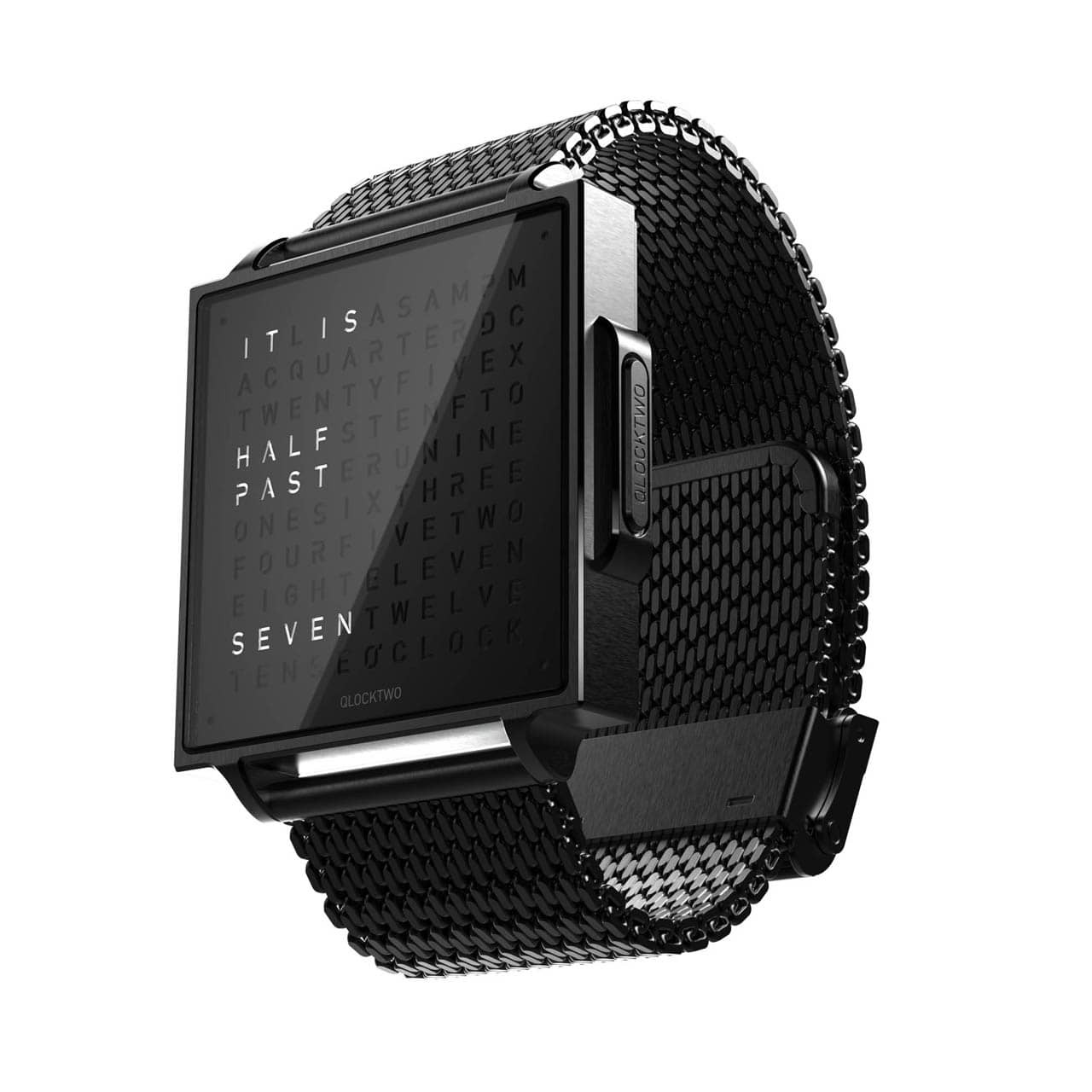

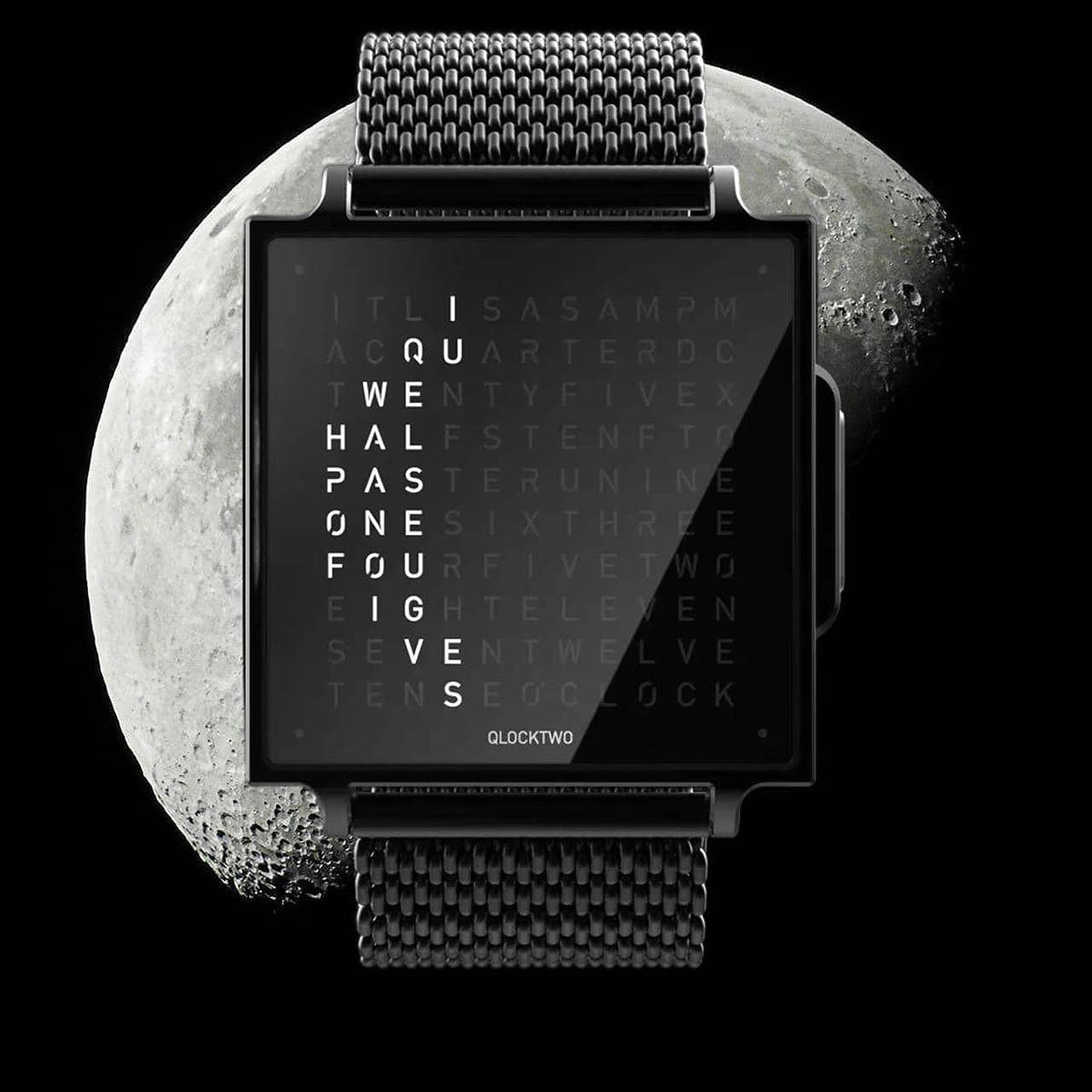

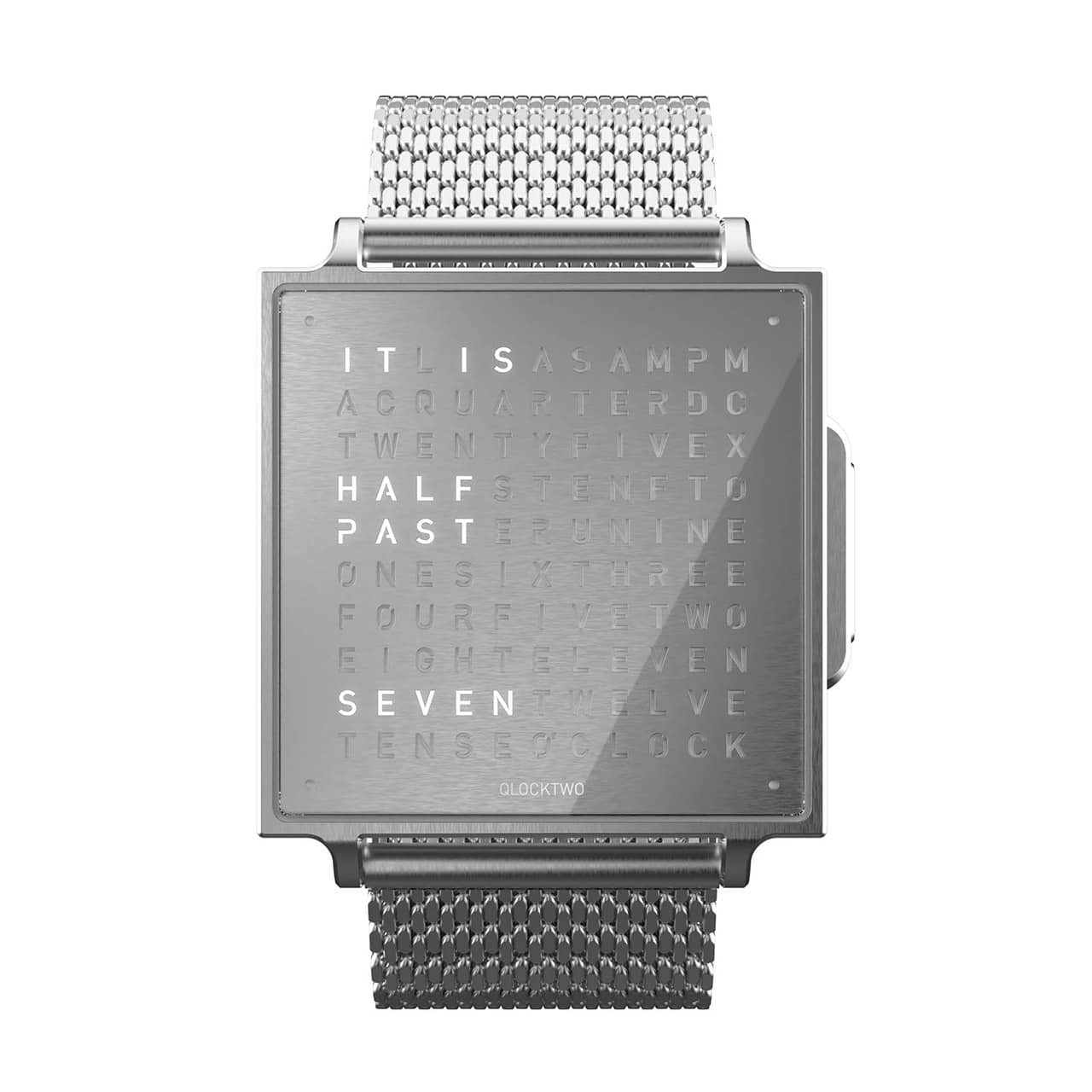
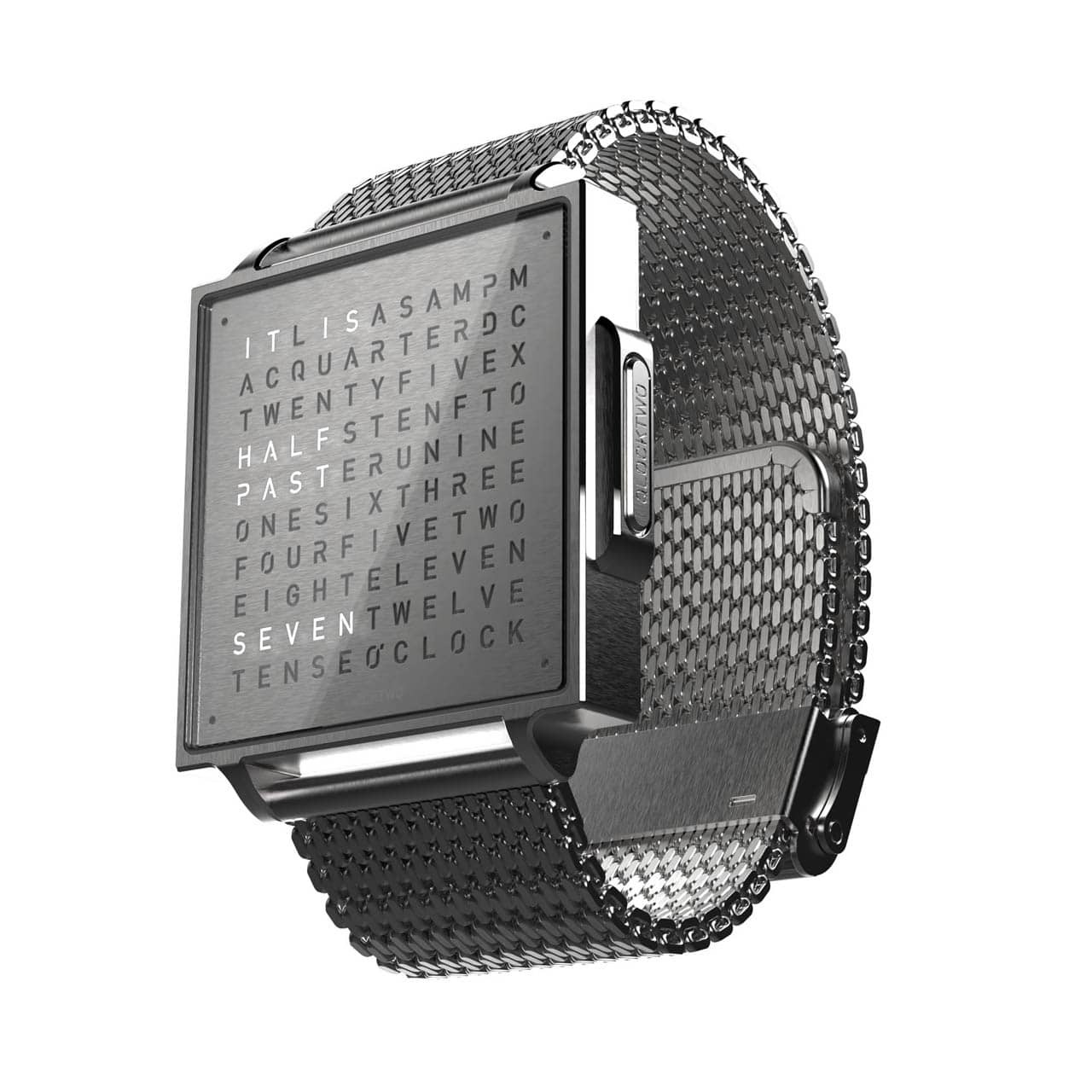

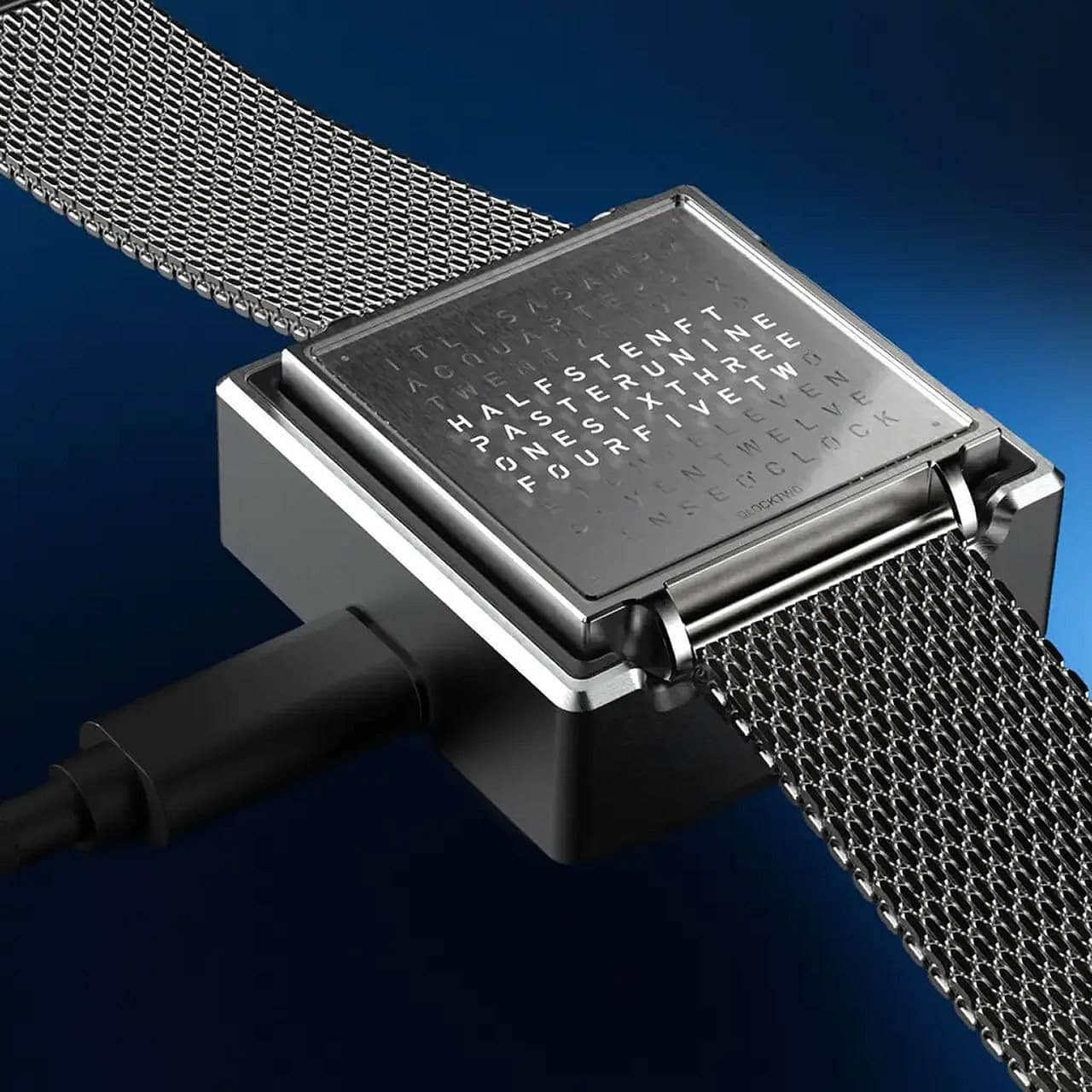
The QLOCKTWO W is not a watch that simply tells time—it redefines what telling time means. Its iconic word matrix, crafted through a photochemical precision process, displays the time in words with a three-dimensional depth. Beyond the hour, a single button press reveals the current moon phase, offering a quiet, meaningful connection to the broader rhythm of the universe around you.
Designed to be comfortably worn, the slim 38mm case measures just 8.6mm at its thinnest and is elegant enough for a formal occasion, understated enough for every day. There are no buttons to press to wake the display; an integrated gyro sensor reads the natural movement of your wrist and illuminates the matrix on cue. Intelligent automatic brightness adjustment does the rest, keeping the display perfectly readable from a sunlit terrace to the ambient glow of an evening out.
Behind its calm exterior, the QLOCKTWO W is precisely engineered. An in-house quartz movement, developed and manufactured in Germany, drives the watch with quiet reliability. Hardened mineral glass, a stainless-steel case, and 5 ATM water resistance ensure its durability. A power reserve of up to 10 days and a compact aluminum charging case—capable of a full charge in just 2.5 hours—mean the QLOCKTWO W is always ready to impress when you are.
Download manufacturer manual
Charging the battery
We recommend fully charging QLOCKTWO W before using it for the first time. QLOCKTWO W features an integrated lithium-ion polymer battery.
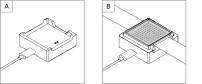
- 1. Connect the charger to the USB-C cable.
- 2. Connect the USB-C cable to a suitable USB-C power adapter (5 V DC output with safe temperature monitoring)
- 3. Place QLOCKTWO W on the charger with the matrix facing upwards.
- 4. Charge for 3 hours.
- 5. Check the charge level.
Checking the charge level
To display the battery level of QLOCKTWO W, briefly press the button and then immediately press and hold it for two seconds. The current battery level is shown as a battery symbol, with the illumination indicating the charge level.
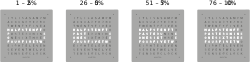
After approx. five seconds of inactivity, QLOCKTWO W automatically returns to the time display. Alternatively, you can return directly to the time display at any time with a short button press.
Switching on
Press and hold the button on the right-hand side of the case for approximately 20 seconds. The matrix will light up.
Reading the time in words
Time is indicated in words in hours and five-minute increments. Each lit corner dot indicates one minute later (or one minute closer to the next five-minute increment advance).
Automatic brightness control
QLOCKTWO W features an automatic brightness sensor. This is preset at the factory and automatically adjusts the display brightness to the ambient light.
Safety precautions
- External magnetic fields may affect the function of QLOCKTWO W. Keep QLOCKTWO away from strong magnetic fields (e.g. speakers, induction hobs, magnetic mounts).
- Only use the supplied charger. The use of other chargers may result in malfunctions or damage.
- Only use a suitable USB-C power adapter (5 V DC with temperature control).
- Do not charge QLOCKTWO W in a damp environment. Only use the charger in dry indoor areas.
- Avoid extreme temperatures, strong impacts and chemical cleaning agents. These may damage the housing, glass, seals or strap of QLOCKTWO W.
Warranty & repairs
The manufacturer’s warranty is valid for two years from delivery. Damage resulting from failure to observe the information in the instructions for use outlined in the manual, or from modifying, opening or altering your QLOCKTWO W is not covered by QLOCKTWO's warranty.
Never attempt to repair or dismantle your QLOCKTWO W yourself. Contact us for QLOCKTWO W repairs or replacement.
QLOCKTWO Updates
Recommended:
Get an email reminder during spring and fall time changes on how to set your QLOCKTWO.
 W (1.5")
 13.5 (5")
 45 (17")
 90 (35")
 180 (70")